Measured examples · Updated October 7, 2026
Real files. Visible tradeoffs.
Six everyday decisions, backed by actual downloads. Real CC0 photographs and clearly labeled synthetic graphics show what changed, what stayed useful, and when a smaller result is the wrong choice.
A real photograph · a specific limit
A photo under 200 KB, with the tradeoff shown.
This detailed coffee-bean photo needed fewer pixels as well as compression. JPEG, Balanced, 50% dimensions, and a 200 KB limit produced this download.
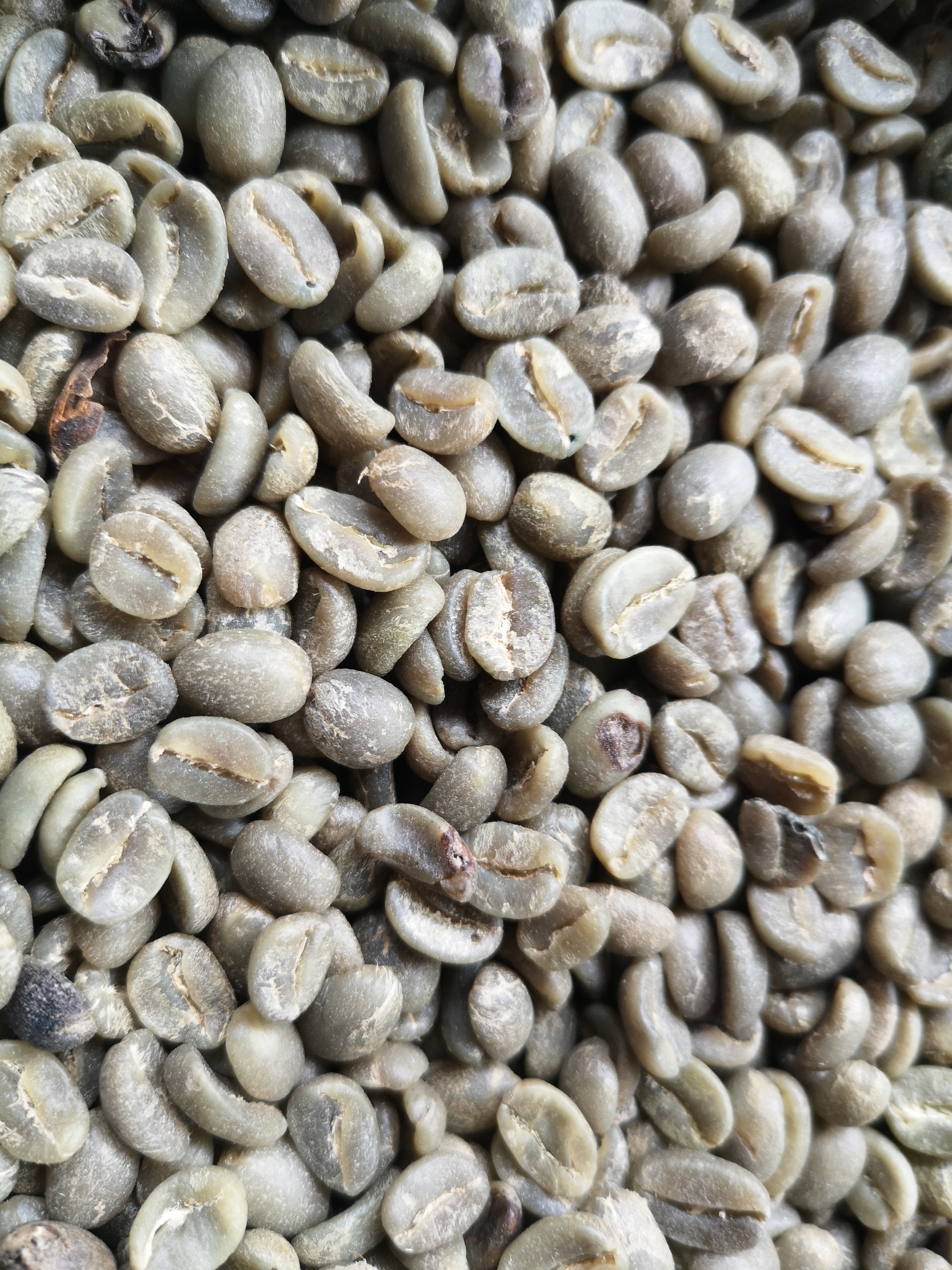
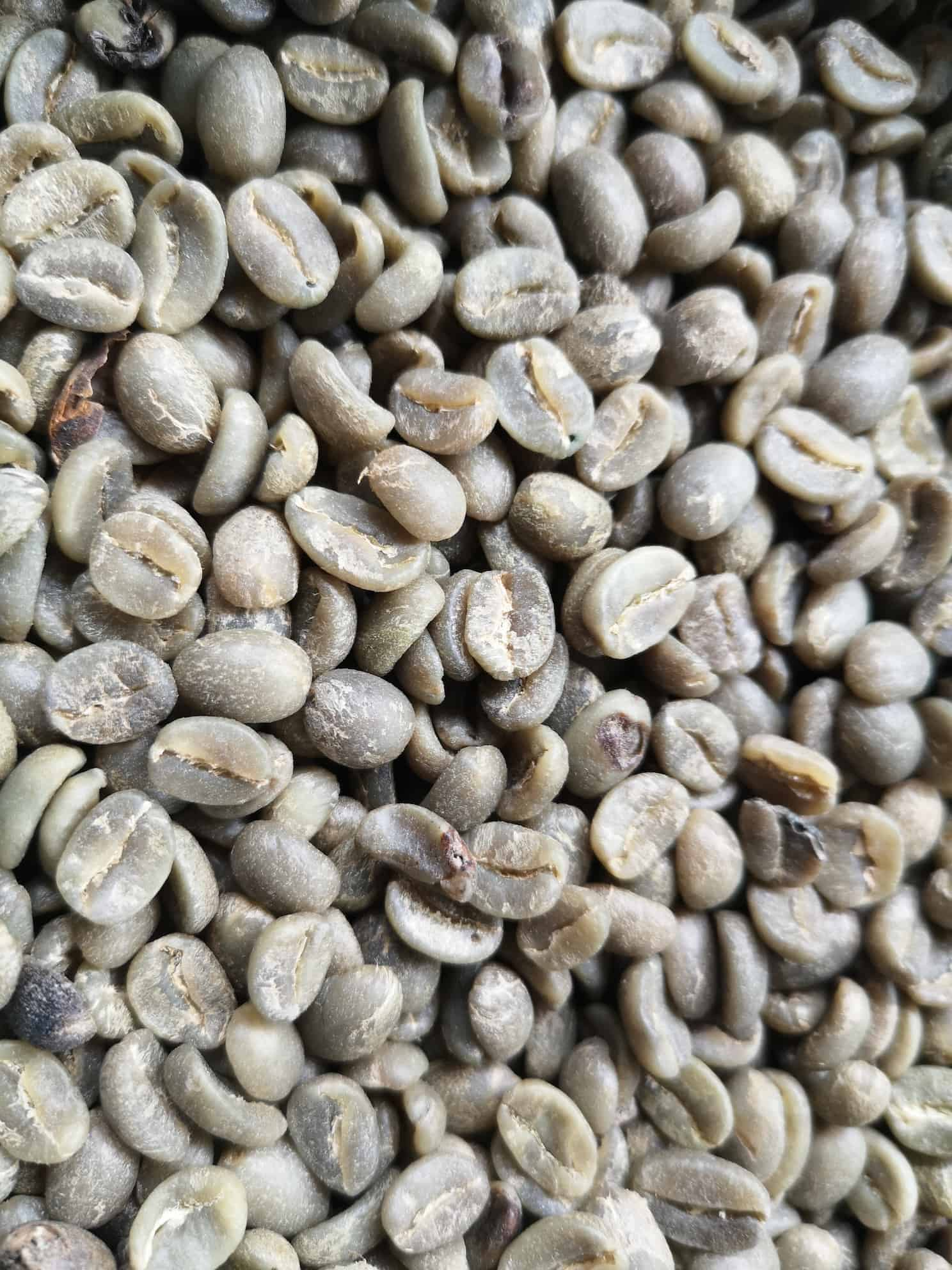
Photo by Roger Burger, CC0, via Wikimedia Commons. Previews are reduced-size thumbnails; open the files to judge full-resolution detail. Measured 2026-10-07; environment and settings are in the example record. This is one result, not a promise for every photo.
See settings, original files & other outcomesWhy not just compress at the original dimensions?
Original-size Balanced JPEG produced 1124.4 KB. Original-size Balanced WebP produced 785.5 KB. Neither meets 200 KB. The 50% JPEG result does, but removes three quarters of the original pixel grid. Do not use that resize if your destination requires larger dimensions.
Two photos, two different outcomes.
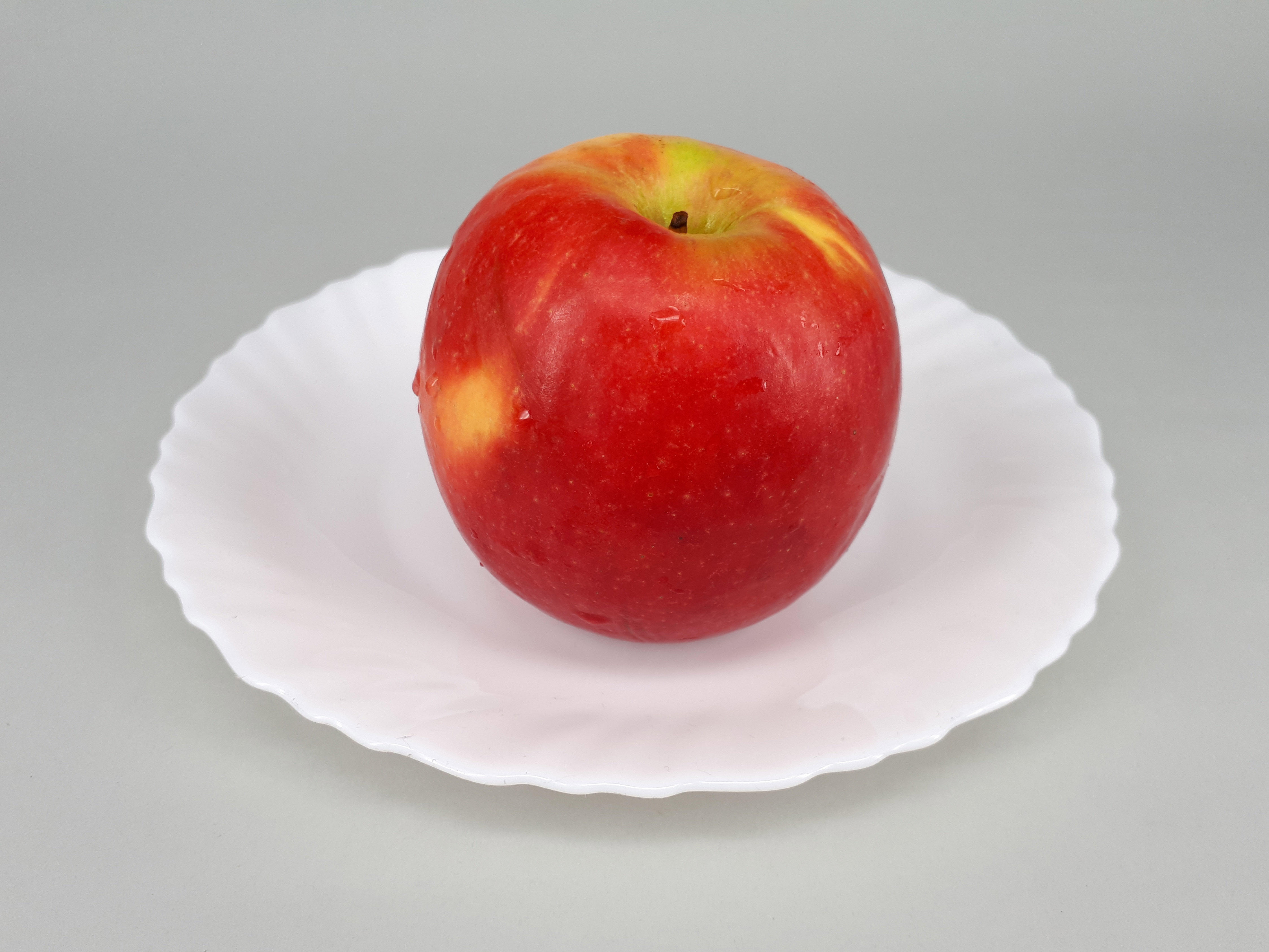
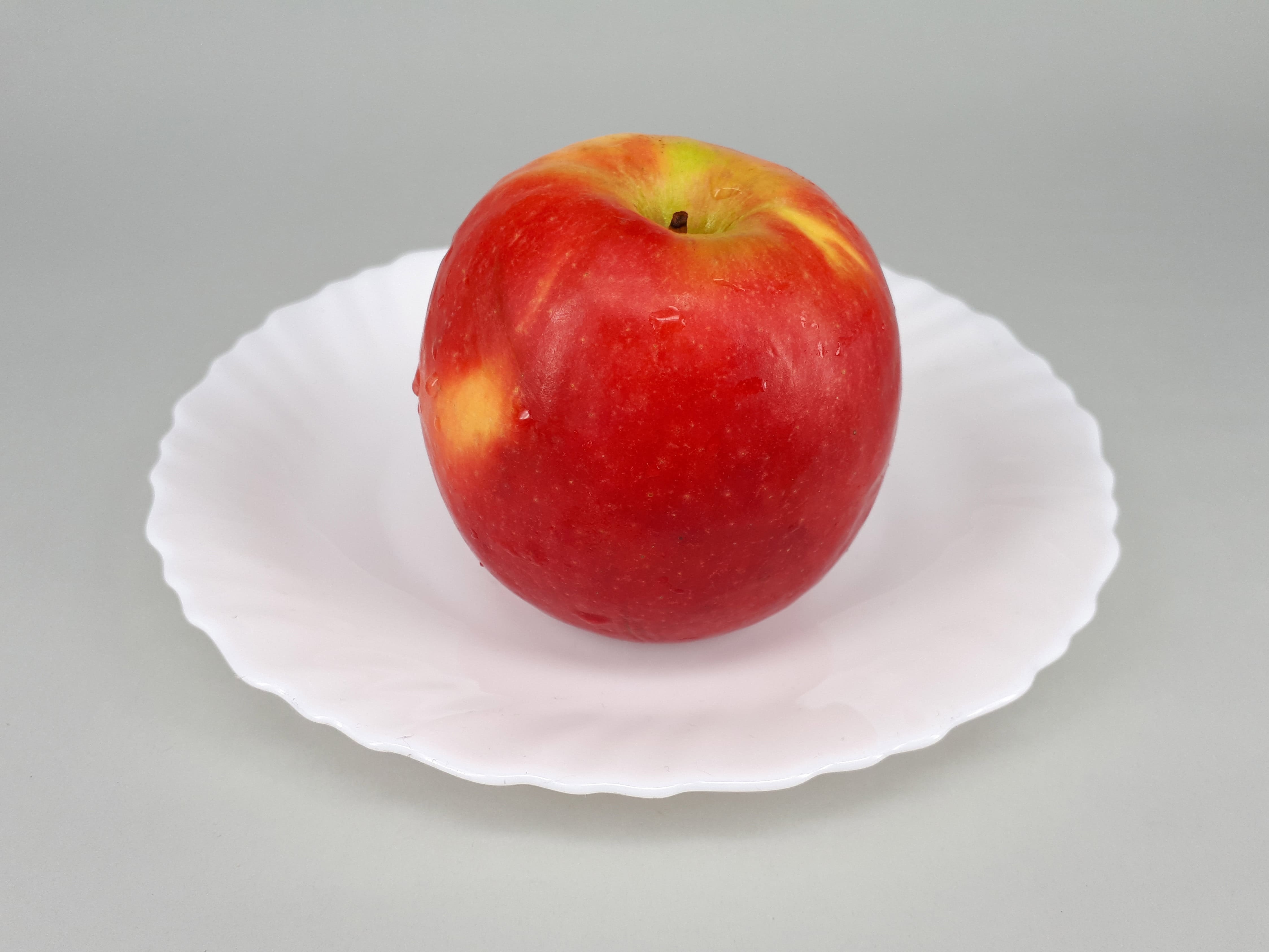
With the same Balanced JPEG settings and original dimensions, the coffee photo changed from 4154.7 KB to 1124.4 KB, while the apple photo changed from 1328.6 KB to 475.8 KB. Detail and the starting encoding matter: one percentage cannot describe the whole batch.
Review each completed item with Compare. Download individually or use Download all (.zip) for successful results. A failed item stays out of the ZIP; the other items are not blocked.
The separately measured two-photo ZIP is 1600.5 KB including archive overhead. Open it to inspect both actual JPEG files.
A smaller logo still needs clean transparent edges.
The synthetic emblem has partially transparent edges. PNG keeps the prepared pixels; WebP changes them through lossy compression. Inspect both results against light and dark backgrounds, not only a checkerboard.


JPEG cannot retain alpha. Choose “Fill transparency with a background color” deliberately; a white rectangle will remain visible on a dark page once flattened. The app rejects transparent-to-JPEG output until you make that choice.
Sometimes the honest saving is zero.
Reprocessing our already compact synthetic PNG produced 96 → 96 bytes: the original was kept unchanged. That is a usable result, not a reason to display a made-up saving.
This retention is allowed only when format and dimensions match and the input metadata scan confirms no metadata to remove. An input with metadata can need re-encoding even if it becomes larger.


A failed limit needs a different decision, not a misleading download.
The coffee photo at original dimensions could not meet 20 KB within the tested JPEG settings. The result was “Needs attention”; no over-limit file was offered for download.
Keeping that same 20 KB limit but explicitly resizing to 10% produced 298 × 397 and 19.6 KB. It meets the limit, but is only suitable for a small placement. If your form requires a larger grid, raise the limit if permitted or choose a supported alternative—not this tiny result.
- Read the destination’s minimum dimensions and accepted formats.
- Change Resize only if those requirements permit it.
- Choose Apply settings to all, inspect Compare, then verify the actual download.
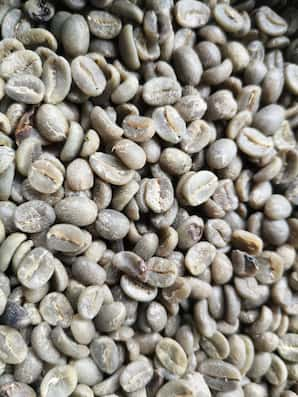
Photo files, attribution, and measurement method
Photographs were processed through the public workspace and browser worker, downloaded, then reopened for dimensions. Measured 2026-10-07 in Chromium 151.0.7922.34 on win32. Balanced is the starting preset; target mode may choose a lower feasible quality. These are measured examples, not predicted results for your files.
Small page previews are separate 640-pixel JPEG thumbnails. They are not the measured output and cannot prove full-resolution quality. Use the original/result links for that inspection. No third-party image host is contacted when this page loads.
- Green arabica coffee beans — Roger Burger, CC0 1.0. Source-page license checked 2026-10-07.
- Red apple on a plate 2017 A — Fructibus, CC0 1.0. Source-page license checked 2026-10-07.


coffee jpeg — 1,124,377 bytes
Starting quality: Balanced. Format: JPEG. Original dimensions. No limit.
COMPLETE

coffee-beans.jpg

73% smaller

ORIGINAL
4.2 MB
RESULT
1.1 MB
DIMENSIONS
2,976 × 3,968 → 2,976 × 3,968
FORMAT
JPEG

Metadata removed

Compare
Download
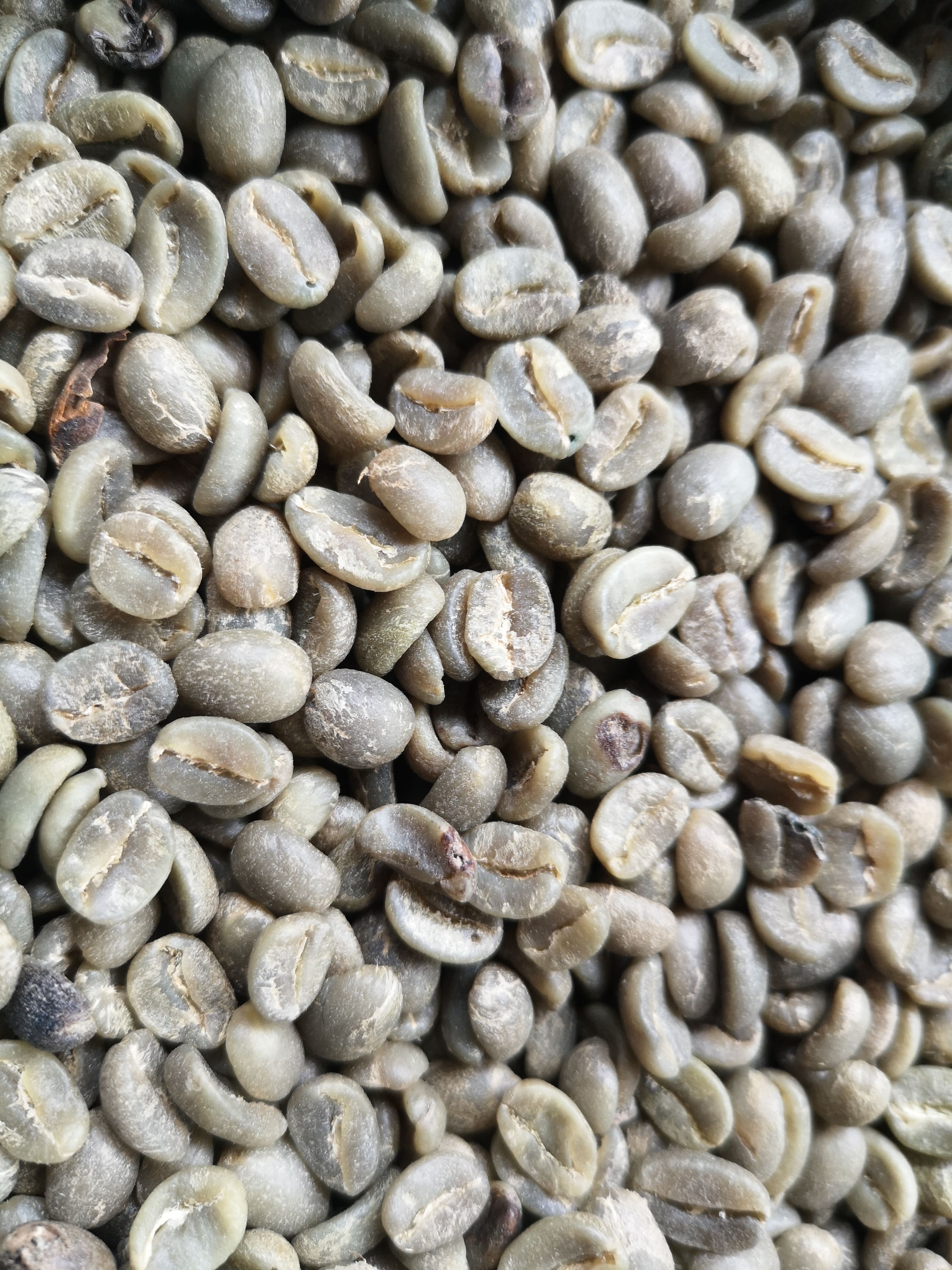
coffee target — 181,937 bytes
Starting quality: Balanced. Format: JPEG. Scale: 50%. Limit: 200 KB (1 KB = 1,000 bytes).
COMPLETE

coffee-beans.jpg

96% smaller

ORIGINAL
4.2 MB
RESULT
182 KB
DIMENSIONS
2,976 × 3,968 → 1,488 × 1,984
FORMAT
JPEG

Target met: 181,937 bytes ≤ 200,000 bytes · Tested quality 39

Metadata removed

Compare
Download
coffee webp — 785,454 bytes
Starting quality: Balanced. Format: WEBP. Original dimensions. No limit.
COMPLETE

coffee-beans.jpg

81% smaller

ORIGINAL
4.2 MB
RESULT
785 KB
DIMENSIONS
2,976 × 3,968 → 2,976 × 3,968
FORMAT
WEBP

Metadata removed

Compare
Download
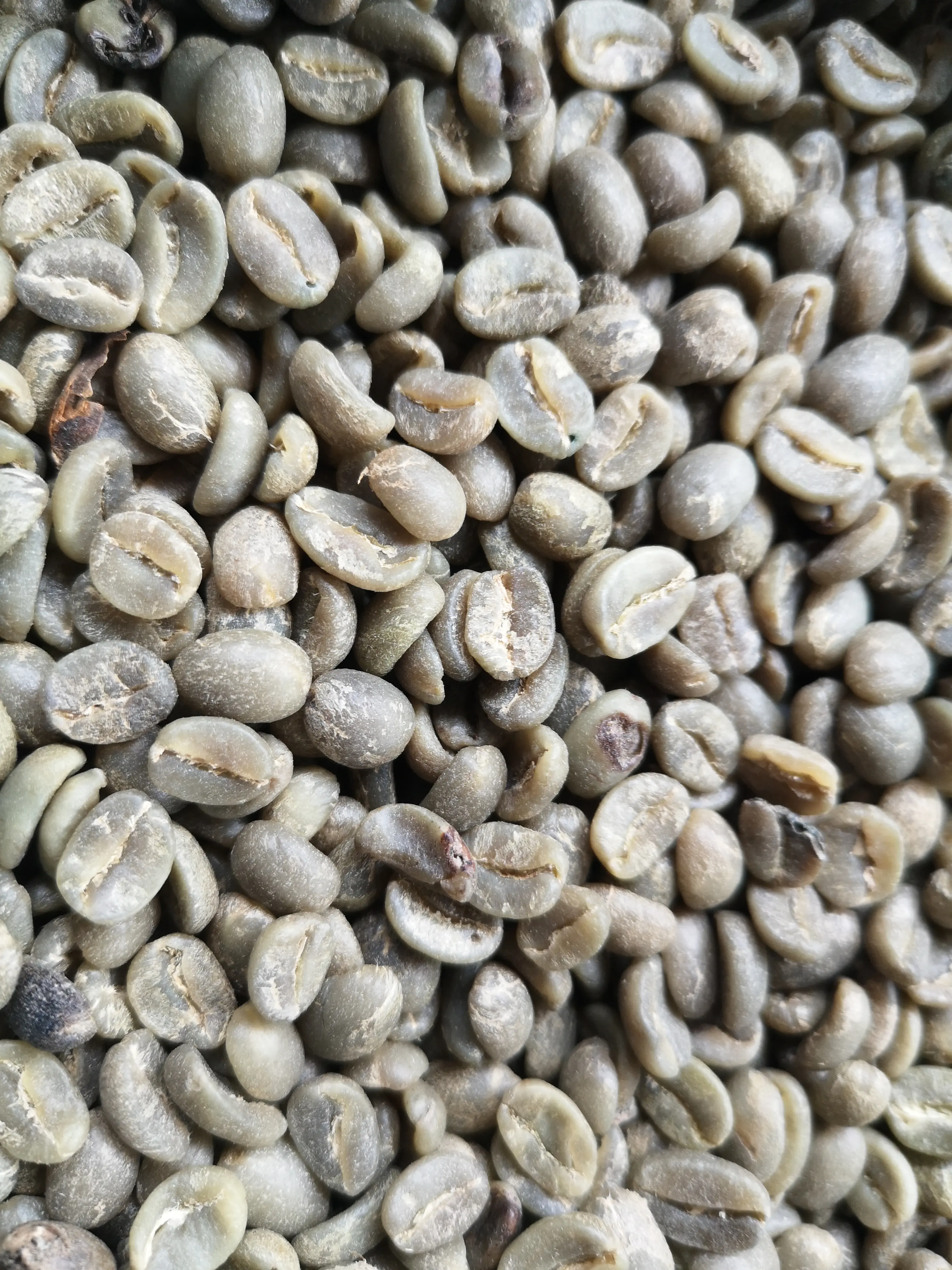
apple jpeg — 475,820 bytes
Starting quality: Balanced. Format: JPEG. Original dimensions. No limit.
COMPLETE

red-apple.jpg

64% smaller

ORIGINAL
1.3 MB
RESULT
476 KB
DIMENSIONS
4,494 × 3,371 → 4,494 × 3,371
FORMAT
JPEG

Metadata removed

Compare
Download
coffee too small — target not reached
Starting quality: Balanced. Format: JPEG. Original dimensions. Limit: 20 KB (1 KB = 1,000 bytes).
No preview

NEEDS ATTENTION

coffee-beans.jpg
Target not reached with the tested settings. Try smaller dimensions, another format, or a higher KB limit. No over-limit file was added to downloads.

Adjust the output settings, then choose Apply settings to all. The rest of the batch is not blocked.
coffee recovered — 19,591 bytes
Starting quality: Balanced. Format: JPEG. Scale: 10%. Limit: 20 KB (1 KB = 1,000 bytes).
COMPLETE

coffee-beans.jpg

100% smaller

ORIGINAL
4.2 MB
RESULT
20 KB
DIMENSIONS
2,976 × 3,968 → 298 × 397
FORMAT
JPEG

Target met: 19,591 bytes ≤ 20,000 bytes · Tested quality 59

Metadata removed

Compare
Download
optimized repeat — 96 bytes
Starting quality: Balanced. Format: PNG. Original dimensions. No limit.
COMPLETE

optimized-repeat.png

Already optimized — original kept unchanged

ORIGINAL
96 B
RESULT
96 B
DIMENSIONS
160 × 100 → 160 × 100
FORMAT
PNG
Compare
Download
Earlier synthetic measurements: inspect individual files
Each source was selected in the same public image workspace, processed by its browser worker, downloaded, and reopened to check dimensions. Results below were measured in Chromium 151.0.7922.34 on Linux on 2026-09-19 using 0.1.0 + image-apex-2026-09-19. A different browser decoder or app version can produce different bytes; these figures describe these files, not a guaranteed saving for your images.
Sources and results are original MallowDesk test graphics released under CC0-1.0. The orientation tag is fabricated and contains no real location or camera data. Download the measurement record and SHA-256 hashes.
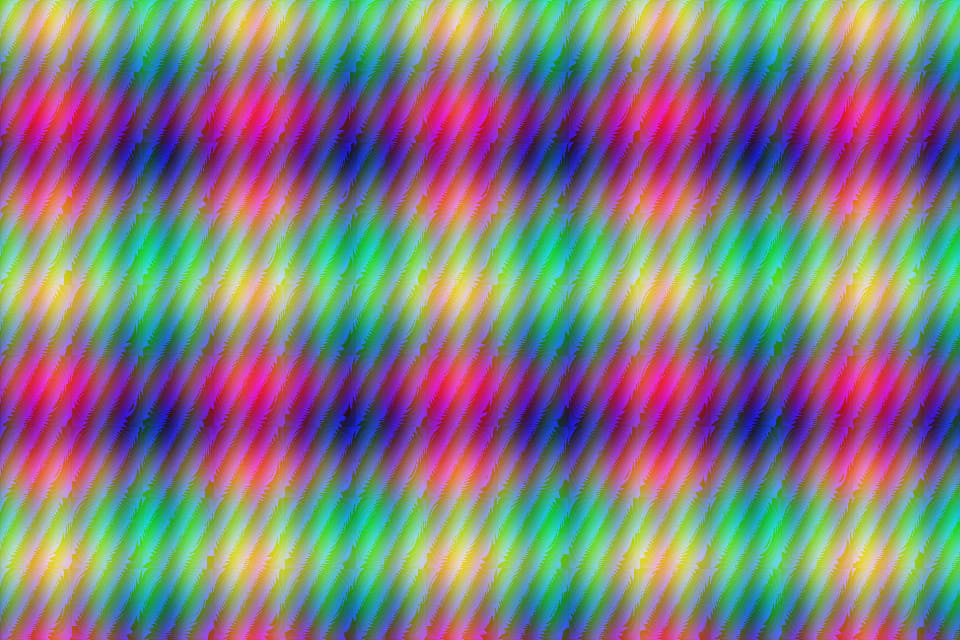
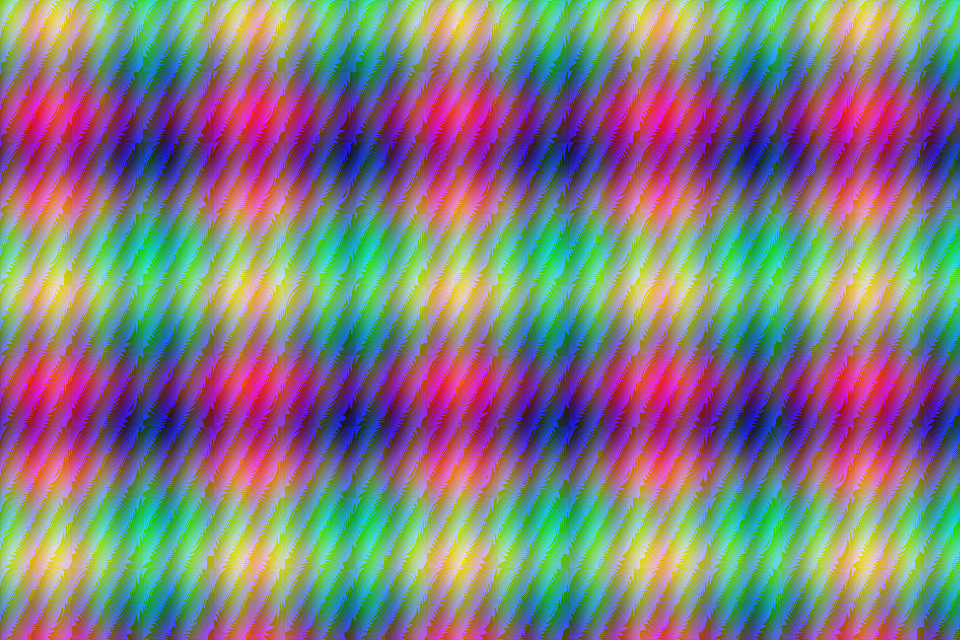
Synthetic fine texture; original dimensions; balanced JPEG. — 95,870 bytes
Synthetic fine texture; original dimensions; balanced JPEG.
1,974,750 → 95,870 bytes. Output: 960 × 640 JPEG. Starting quality: Balanced. Original dimensions. No target limit.
Inspect the actual output
This is the downloaded file, scaled to fit this page. Open the output link to inspect it at its original size. A checkerboard background helps reveal transparent edges.
Recorded result and applied settings
COMPLETE

texture.png

95% smaller

ORIGINAL
2.0 MB
RESULT
96 KB
DIMENSIONS
960 × 640 → 960 × 640
FORMAT
JPEG
Compare
Download
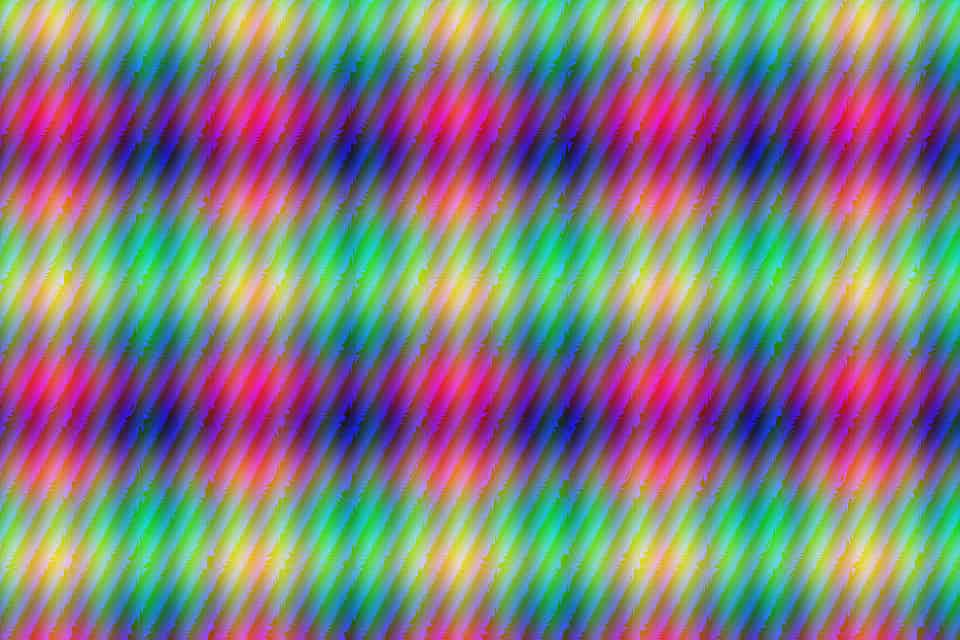
Same texture, 50 KB limit; actual feasible output. — 40,492 bytes
Same texture, 50 KB limit; actual feasible output.
1,974,750 → 40,492 bytes. Output: 960 × 640 JPEG. Starting quality: Balanced. Original dimensions. Limit: 50 KB (1 KB = 1,000 bytes).
Inspect the actual output
This is the downloaded file, scaled to fit this page. Open the output link to inspect it at its original size. A checkerboard background helps reveal transparent edges.
Recorded result and applied settings
COMPLETE

texture.png

98% smaller

ORIGINAL
2.0 MB
RESULT
40 KB
DIMENSIONS
960 × 640 → 960 × 640
FORMAT
JPEG

Target met: 40,492 bytes ≤ 50,000 bytes · Tested quality 39

Compare
Download
Same texture at 50% width and height, balanced JPEG. — 27,123 bytes
Same texture at 50% width and height, balanced JPEG.
1,974,750 → 27,123 bytes. Output: 480 × 320 JPEG. Starting quality: Balanced. Scale: 50%. No target limit.
Inspect the actual output
This is the downloaded file, scaled to fit this page. Open the output link to inspect it at its original size. A checkerboard background helps reveal transparent edges.
Recorded result and applied settings
COMPLETE

texture.png

99% smaller

ORIGINAL
2.0 MB
RESULT
27 KB
DIMENSIONS
960 × 640 → 480 × 320
FORMAT
JPEG
Compare
Download
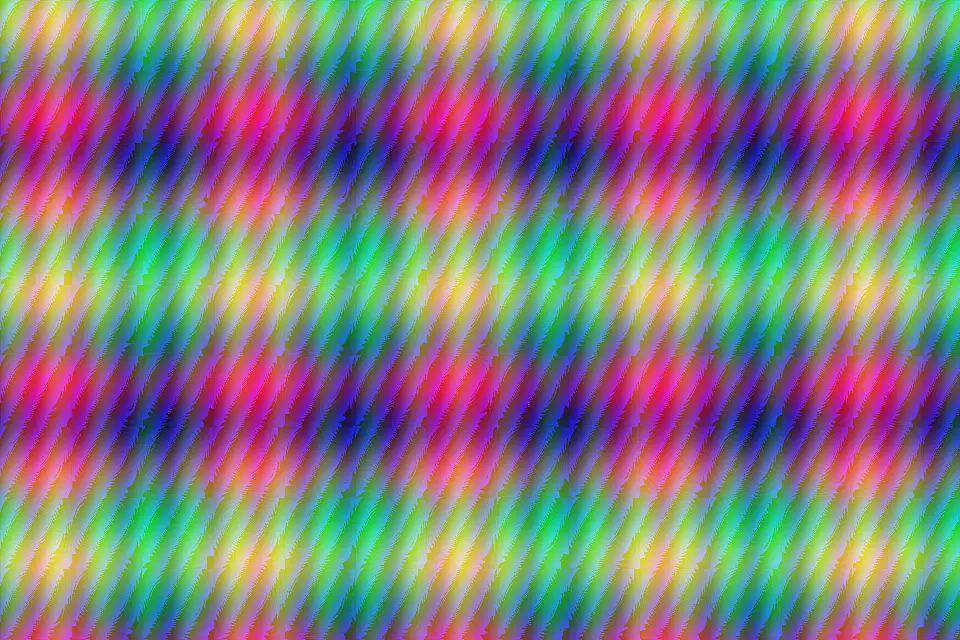
Same texture, balanced WebP. Quality numbers are not equivalent across codecs. — 109,280 bytes
Same texture, balanced WebP. Quality numbers are not equivalent across codecs.
1,974,750 → 109,280 bytes. Output: 960 × 640 WEBP. Starting quality: Balanced. Original dimensions. No target limit.
Inspect the actual output
This is the downloaded file, scaled to fit this page. Open the output link to inspect it at its original size. A checkerboard background helps reveal transparent edges.
Recorded result and applied settings
COMPLETE

texture.png

94% smaller

ORIGINAL
2.0 MB
RESULT
109 KB
DIMENSIONS
960 × 640 → 960 × 640
FORMAT
WEBP
Compare
Download
Smooth synthetic gradient: inspect banding and color transitions. — 5,991 bytes
Smooth synthetic gradient: inspect banding and color transitions.
272,353 → 5,991 bytes. Output: 720 × 480 JPEG. Starting quality: Balanced. Original dimensions. No target limit.
Inspect the actual output
This is the downloaded file, scaled to fit this page. Open the output link to inspect it at its original size. A checkerboard background helps reveal transparent edges.


Recorded result and applied settings
COMPLETE

gradient.png

98% smaller

ORIGINAL
272 KB
RESULT
6.0 KB
DIMENSIONS
720 × 480 → 720 × 480
FORMAT
JPEG
Compare
Download
A synthetic emblem with partially transparent edges, optimized losslessly. — 7,628 bytes
A synthetic emblem with partially transparent edges, optimized losslessly.
13,907 → 7,628 bytes. Output: 480 × 480 PNG. Starting quality: Balanced. Original dimensions. No target limit.
Inspect the actual output
This is the downloaded file, scaled to fit this page. Open the output link to inspect it at its original size. A checkerboard background helps reveal transparent edges.

Recorded result and applied settings
COMPLETE

transparent-emblem.png

45% smaller

ORIGINAL
14 KB
RESULT
7.6 KB
DIMENSIONS
480 × 480 → 480 × 480
FORMAT
PNG
Compare
Download
The same transparent emblem with lossy WebP encoding. — 5,522 bytes
The same transparent emblem with lossy WebP encoding.
13,907 → 5,522 bytes. Output: 480 × 480 WEBP. Starting quality: Balanced. Original dimensions. No target limit.
Inspect the actual output
This is the downloaded file, scaled to fit this page. Open the output link to inspect it at its original size. A checkerboard background helps reveal transparent edges.
Recorded result and applied settings
COMPLETE

transparent-emblem.png

60% smaller

ORIGINAL
14 KB
RESULT
5.5 KB
DIMENSIONS
480 × 480 → 480 × 480
FORMAT
WEBP
Compare
Download
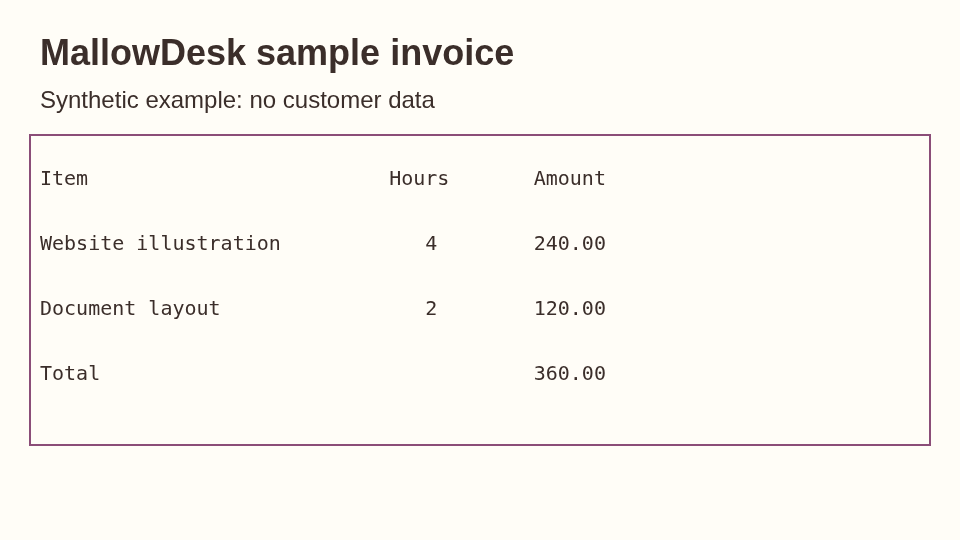
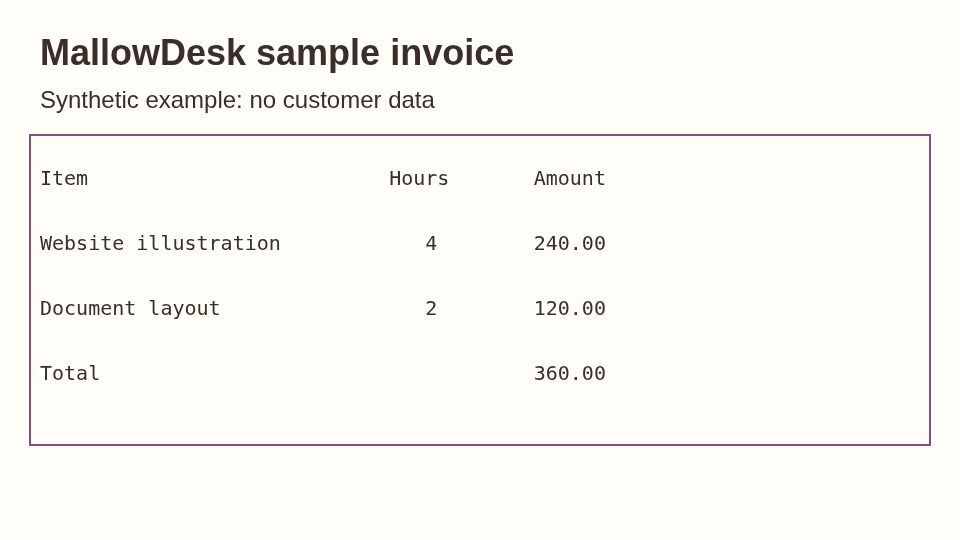
Synthetic text screenshot. Inspect small characters and lines. — 13,565 bytes
Synthetic text screenshot. Inspect small characters and lines.
48,331 → 13,565 bytes. Output: 960 × 540 PNG. Starting quality: Balanced. Original dimensions. No target limit.
Inspect the actual output
This is the downloaded file, scaled to fit this page. Open the output link to inspect it at its original size. A checkerboard background helps reveal transparent edges.
Recorded result and applied settings
COMPLETE

text-screenshot.png

72% smaller

ORIGINAL
48 KB
RESULT
14 KB
DIMENSIONS
960 × 540 → 960 × 540
FORMAT
PNG
Compare
Download
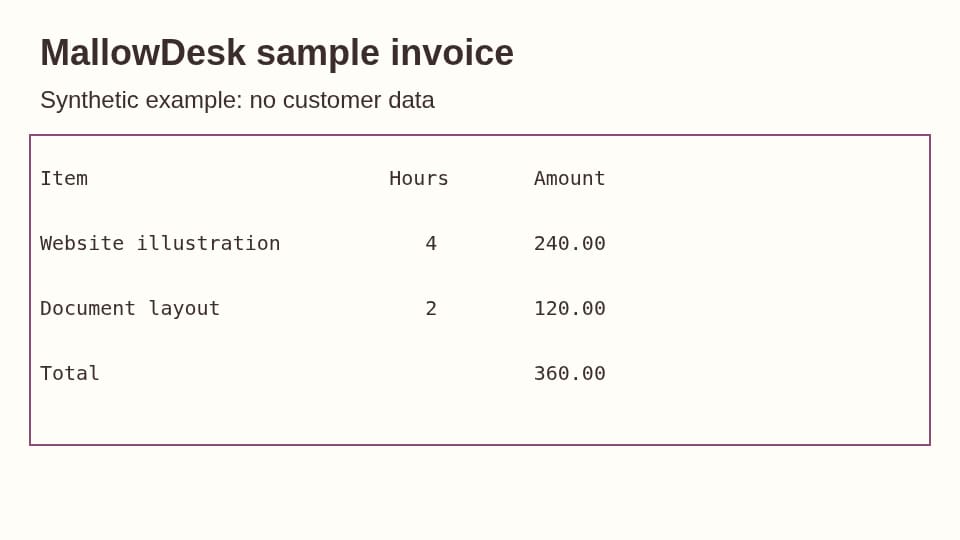
The same screenshot in JPEG. Inspect ringing around text. — 20,790 bytes
The same screenshot in JPEG. Inspect ringing around text.
48,331 → 20,790 bytes. Output: 960 × 540 JPEG. Starting quality: Balanced. Original dimensions. No target limit.
Inspect the actual output
This is the downloaded file, scaled to fit this page. Open the output link to inspect it at its original size. A checkerboard background helps reveal transparent edges.
Recorded result and applied settings
COMPLETE

text-screenshot.png

57% smaller

ORIGINAL
48 KB
RESULT
21 KB
DIMENSIONS
960 × 540 → 960 × 540
FORMAT
JPEG
Compare
Download
Fabricated EXIF orientation 6 is applied; visible dimensions become 200 × 320. — 163 bytes
Fabricated EXIF orientation 6 is applied; visible dimensions become 200 × 320.
1,357 → 163 bytes. Output: 200 × 320 PNG. Starting quality: Balanced. Original dimensions. No target limit.
Inspect the actual output
This is the downloaded file, scaled to fit this page. Open the output link to inspect it at its original size. A checkerboard background helps reveal transparent edges.


Recorded result and applied settings
COMPLETE

orientation.png

88% smaller

ORIGINAL
1.4 KB
RESULT
163 B
DIMENSIONS
200 × 320 → 200 × 320
FORMAT
PNG

Orientation applied · metadata removed

Compare
Download
A compact flat-color source. The original is kept if re-encoding is no smaller. — 96 bytes
A compact flat-color source. The original is kept if re-encoding is no smaller.
264 → 96 bytes. Output: 160 × 100 PNG. Starting quality: Balanced. Original dimensions. No target limit.
Inspect the actual output
This is the downloaded file, scaled to fit this page. Open the output link to inspect it at its original size. A checkerboard background helps reveal transparent edges.


Recorded result and applied settings
COMPLETE

optimized.png

64% smaller

ORIGINAL
264 B
RESULT
96 B
DIMENSIONS
160 × 100 → 160 × 100
FORMAT
PNG
Compare
Download
What these cases teach
The texture and resized texture use the same source, separating dimension reduction from quality changes. The text screenshot makes edge artifacts easy to inspect. The transparent emblem tests partially transparent edges. The orientation case checks whether removing metadata leaves the visible image correctly rotated. The compact flat-color case shows why starting size alone cannot predict further savings.
These synthetic patterns complement the photographs above. Noise, detail, color, and the destination’s format support change the tradeoff. Choose your own image and inspect Compare before using the output.